Plugins
The AI Content bundle
What the AI Content bundle includes, what it costs compared to buying each piece, and how it swaps out a plugin you already have.
Updated
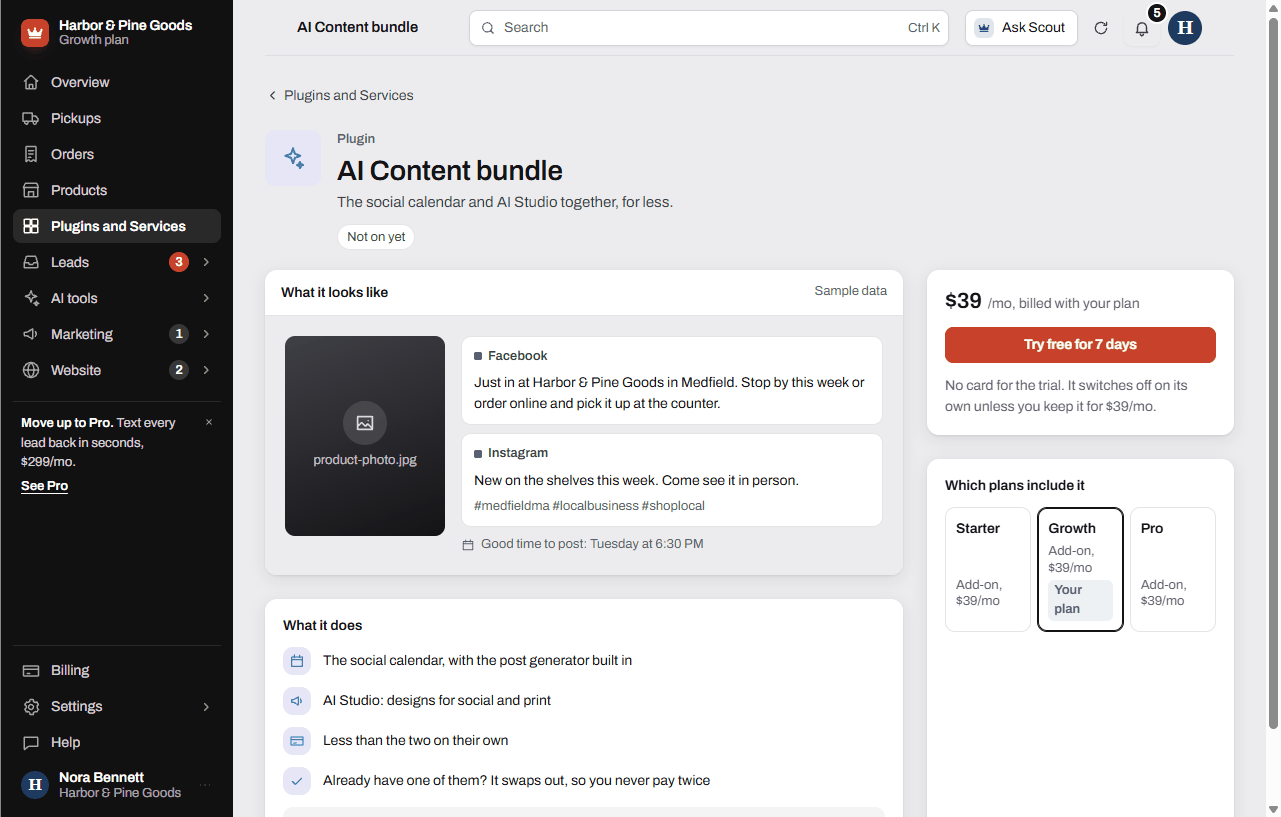
The AI Content bundle puts the social calendar and AI Studio together for less than the two on their own. You get the calendar with its post generator built in, plus AI Studio for print and social designs. It's $39 a month on any plan.
What's in it
- The social calendar, with the post generator built in. Plan posts for Facebook, Instagram, LinkedIn, TikTok and Google on one calendar. Upload a job photo and get a caption for each network in your brand voice.
- AI Studio: flyers, door hangers, rack cards, business cards, review cards, yard signs and social graphics, made from your own site, logo and colors.
- Up to 60 AI posts and 20 designs a month.
The social calendar is $19 a month and AI Studio is $29 on their own, so the bundle is $9 a month less than both.
Add the bundle
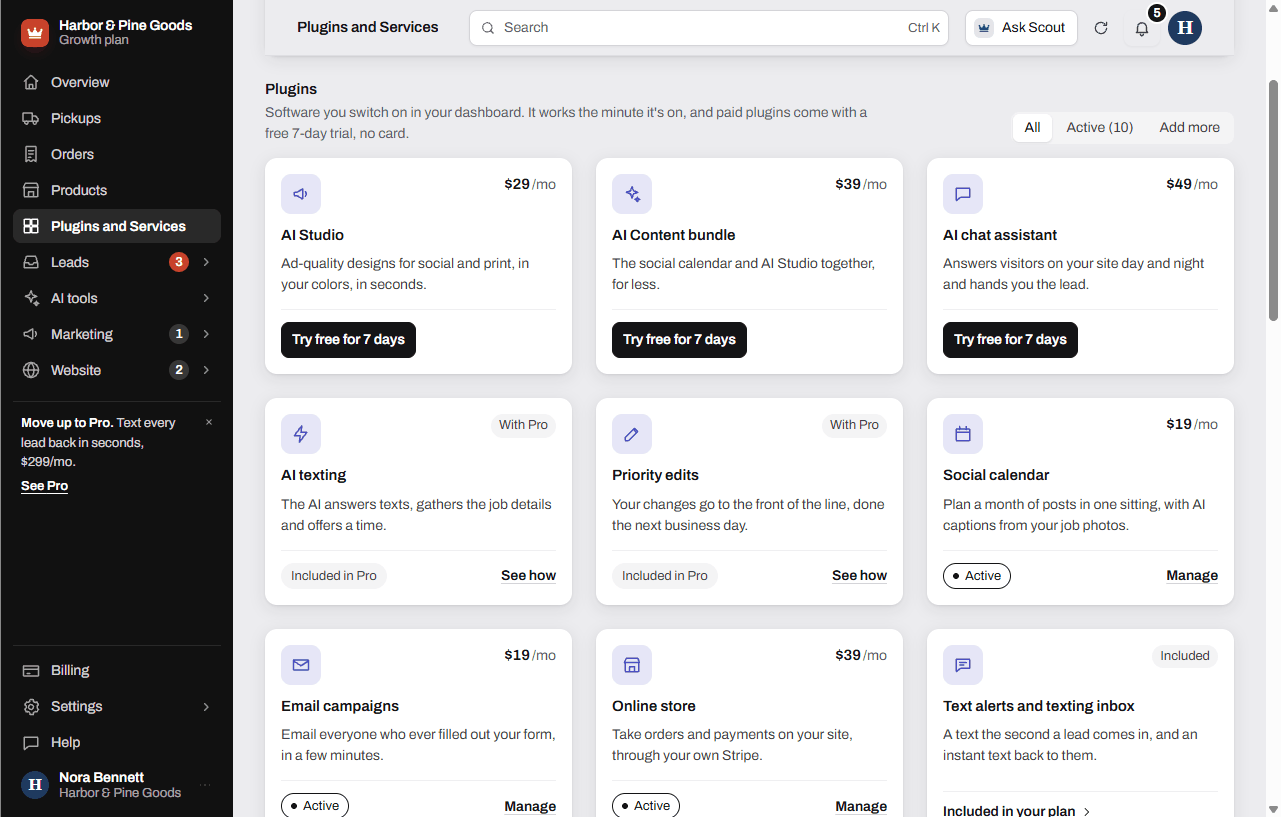
- Open Plugins and Services in your sidebar.
- Click the AI Content bundle card.
- Click Try free for 7 days to try it with no card. If you've already had the trial, the button reads Add it, $39/mo.
- The social calendar and AI Studio show up in your sidebar. Open them from there.
If you already pay for the social calendar or AI Studio, adding the bundle takes that one off your bill, so you never pay twice.
Keep or remove it
During the trial, click Keep it, $39/mo on the bundle's page to keep it. Everything you made stays as it is. Do nothing and it switches off at the end of the trial with nothing charged, and your work stays saved.
To remove a paid bundle, open its page and click Remove, then Remove it. It stays on through the month you paid for and comes off on the 1st.
Questions
What do I get in the bundle?
The social calendar with its post generator, and AI Studio. That's up to 60 AI posts and 20 designs a month, in your brand voice.
How much do I save?
The social calendar is $19 a month and AI Studio is $29. Together in the bundle they're $39, which is $9 a month less.
I already pay for the social calendar. Will I pay for it twice?
No. Adding the bundle takes the calendar off your bill. The same goes for AI Studio.
Can I try it before I pay?
Yes. Click Try free for 7 days on its page. No card is needed, and it switches off on its own unless you keep it. Each plugin has one free trial.
Is it included in Pro?
No plan includes the bundle or the social calendar. Pro includes 5 AI Studio designs a month. The bundle takes you to the full 20 and adds the calendar.
Will it post to Facebook for me?
You plan each post and pick a time. At that time the post lands in your email ready to copy. Each network starts posting on its own once it's approved for your account.
Will Scott write my posts?
No. Writing or managing your social posts isn't part of KingsWay's work. The post generator writes the caption for you from a photo of the job or the product.
How many posts and designs do I get?
Up to 60 AI posts and 20 AI Studio designs a month. Both counts start over on the 1st.
What happens if I remove it?
It stays on through the month you paid for, then comes off your bill on the 1st. There's no refund for the current month. The social calendar and AI Studio go with it, so add either one back on its own if you want to keep it.
Does the bundle include email campaigns?
No. Email campaigns is its own plugin at $19 a month. The bundle is the social calendar and AI Studio only.