Help center
How to use your KingsWay dashboard
A short article for every page and plugin, with pictures from the dashboard and the questions owners ask most.
Your dashboard
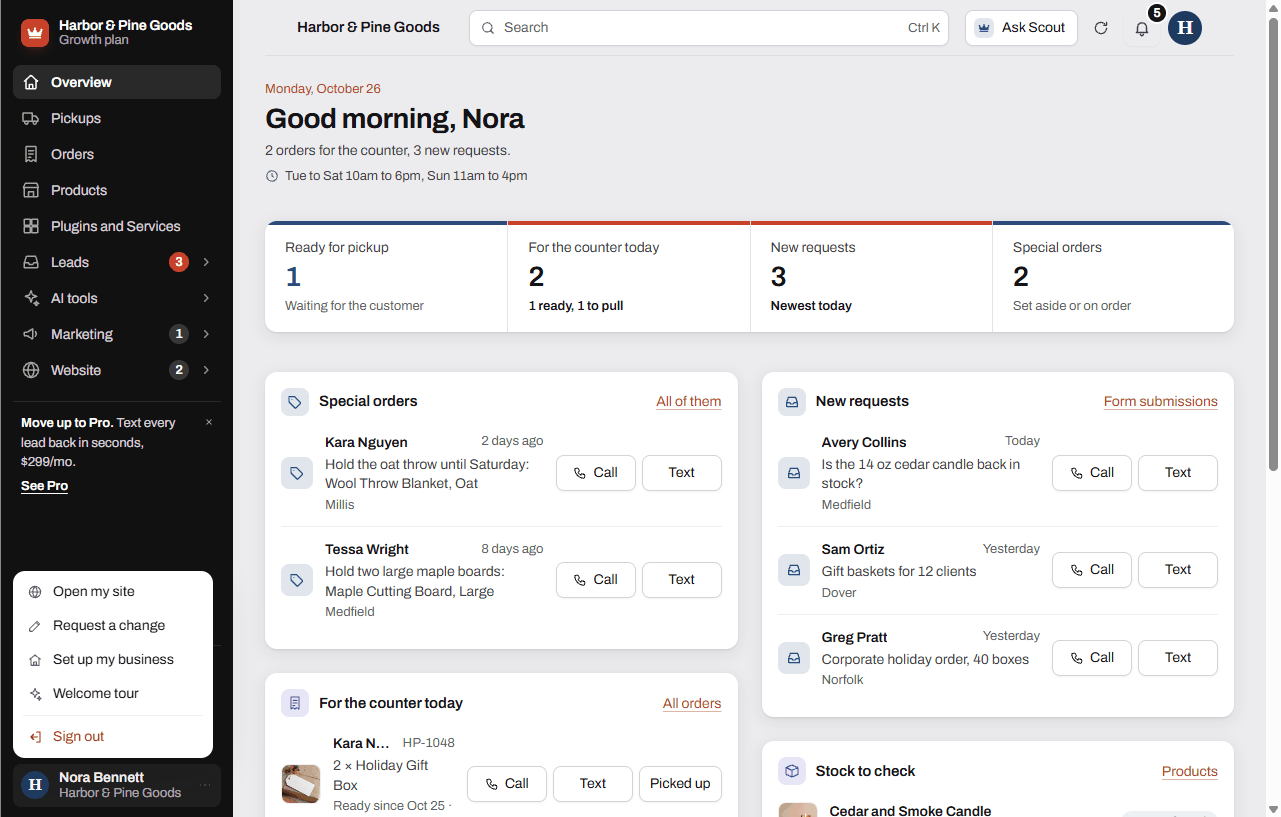 Signing in to your dashboardHow to sign in with your email and password, get in the first time, reset a forgotten password and sign out.
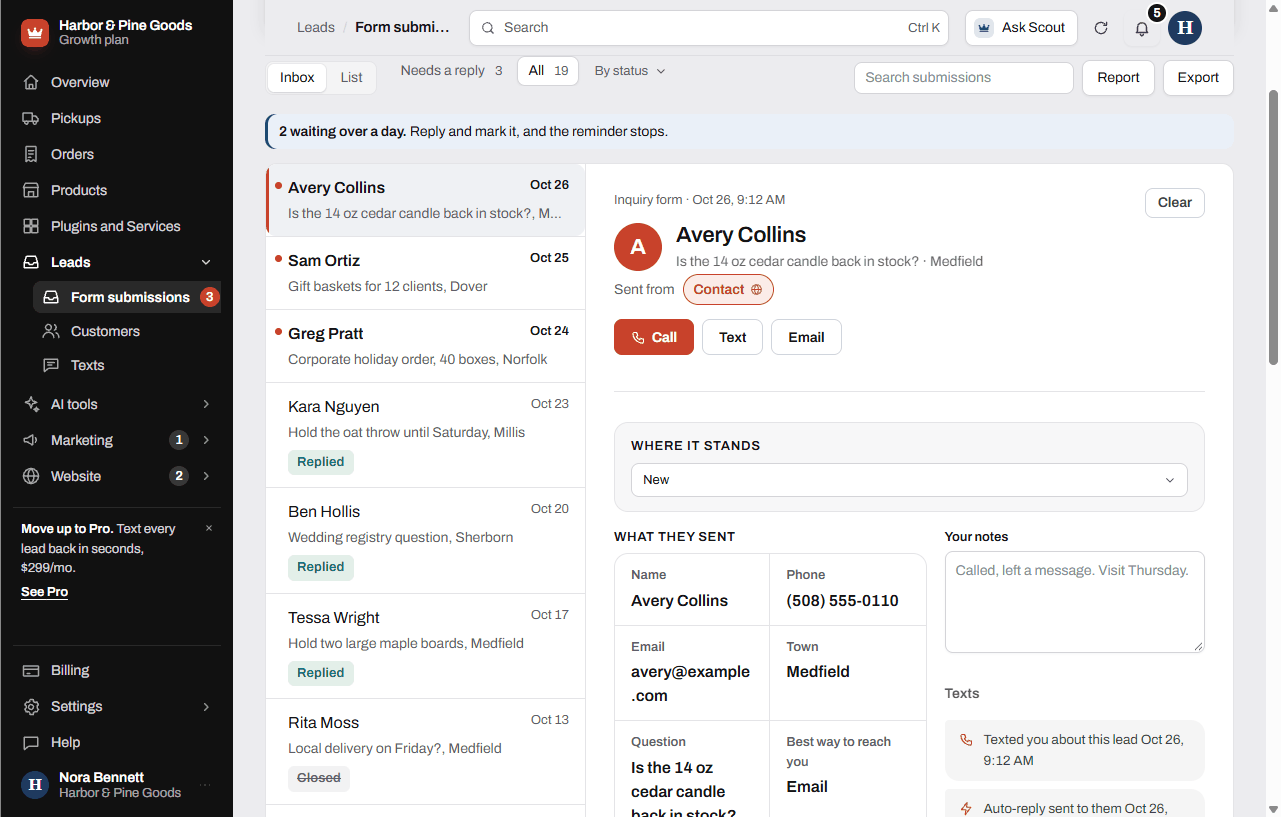 Your form submissions inboxHow to read, answer, sort, clear and export every form your website sends you.
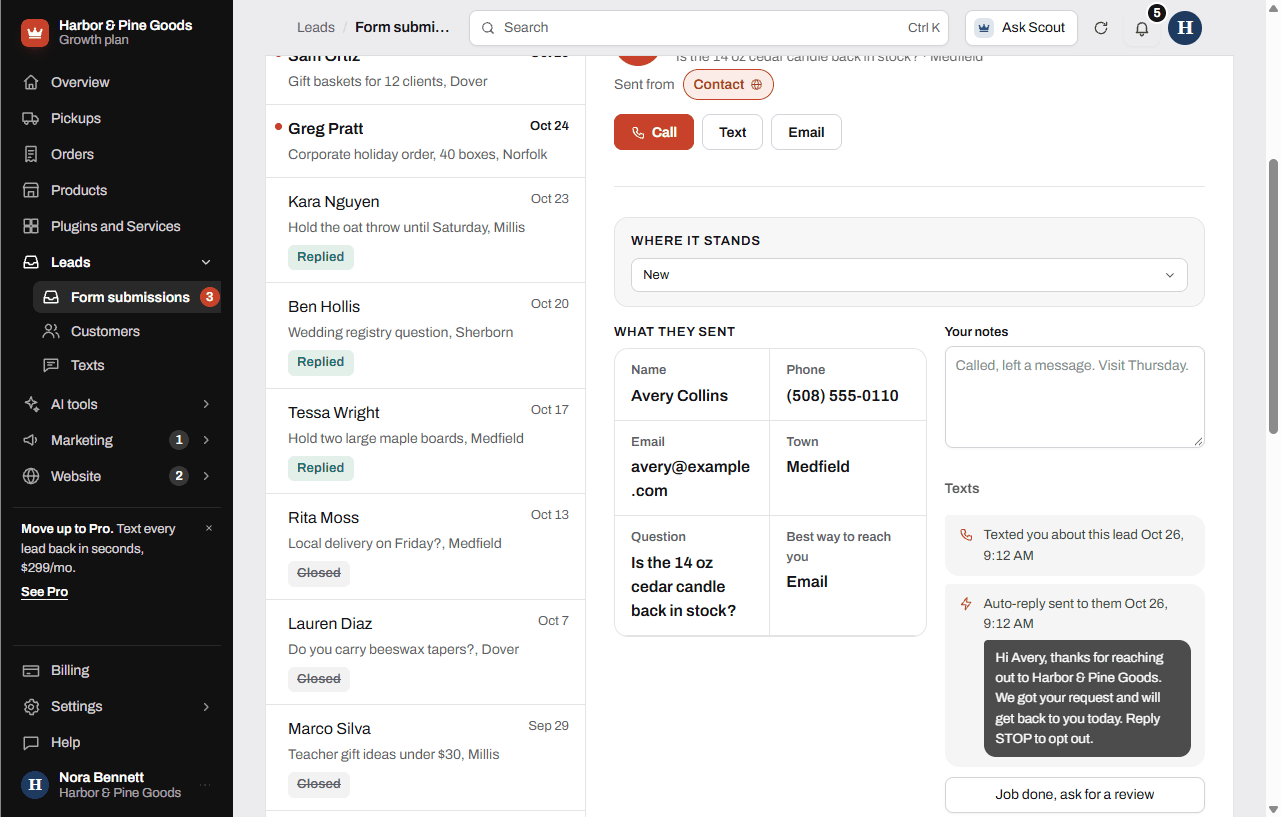 The forms on your websiteWhat happens the second someone sends a form on your site, where it goes and who gets told.
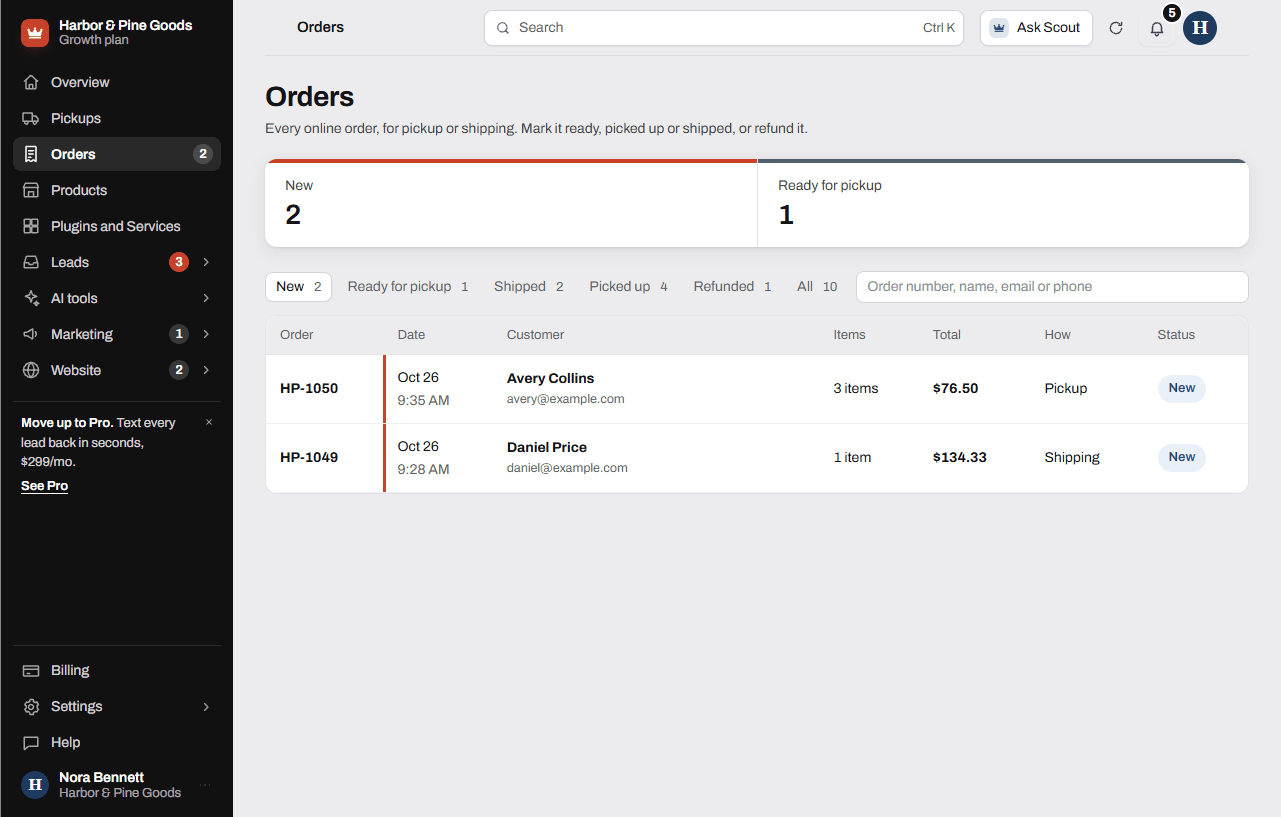 Online orders and pickupsHow to work online orders for pickup or shipping, mark them ready, picked up or shipped, refund them, and run the Pickups list.
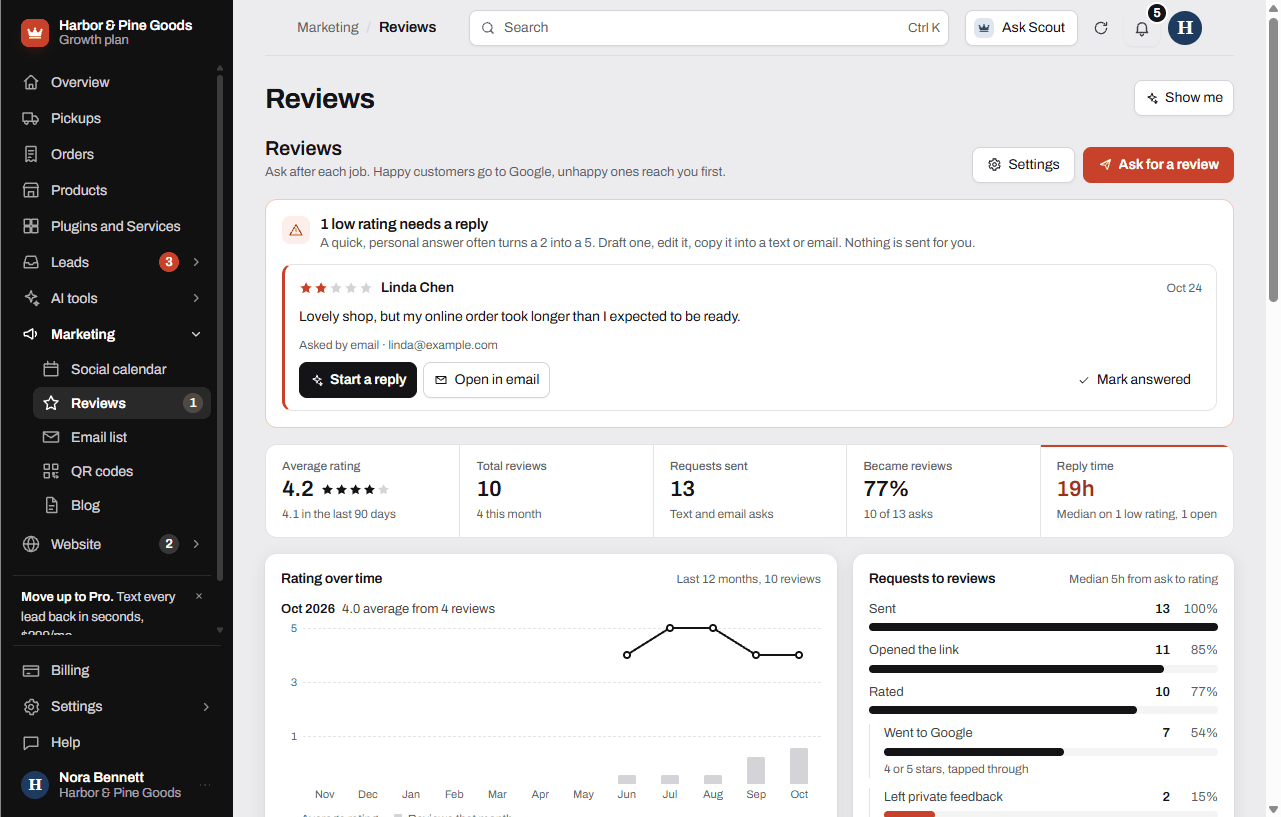 Asking for Google reviewsHow to ask finished customers for a Google review, set your review link and message, and handle private feedback.
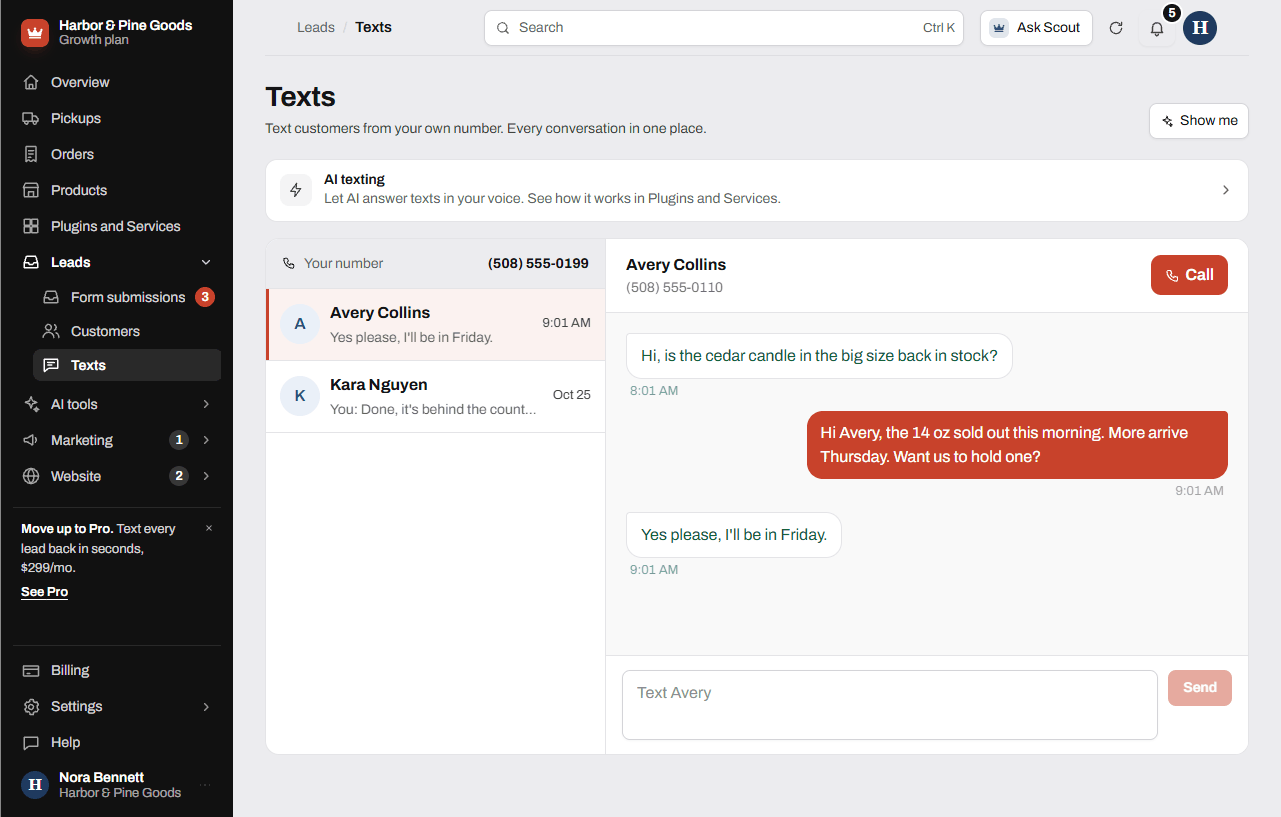 Texting and text alertsHow to get new leads texted to your phone, set up the instant text back, and text customers from your own number in the Texts inbox.
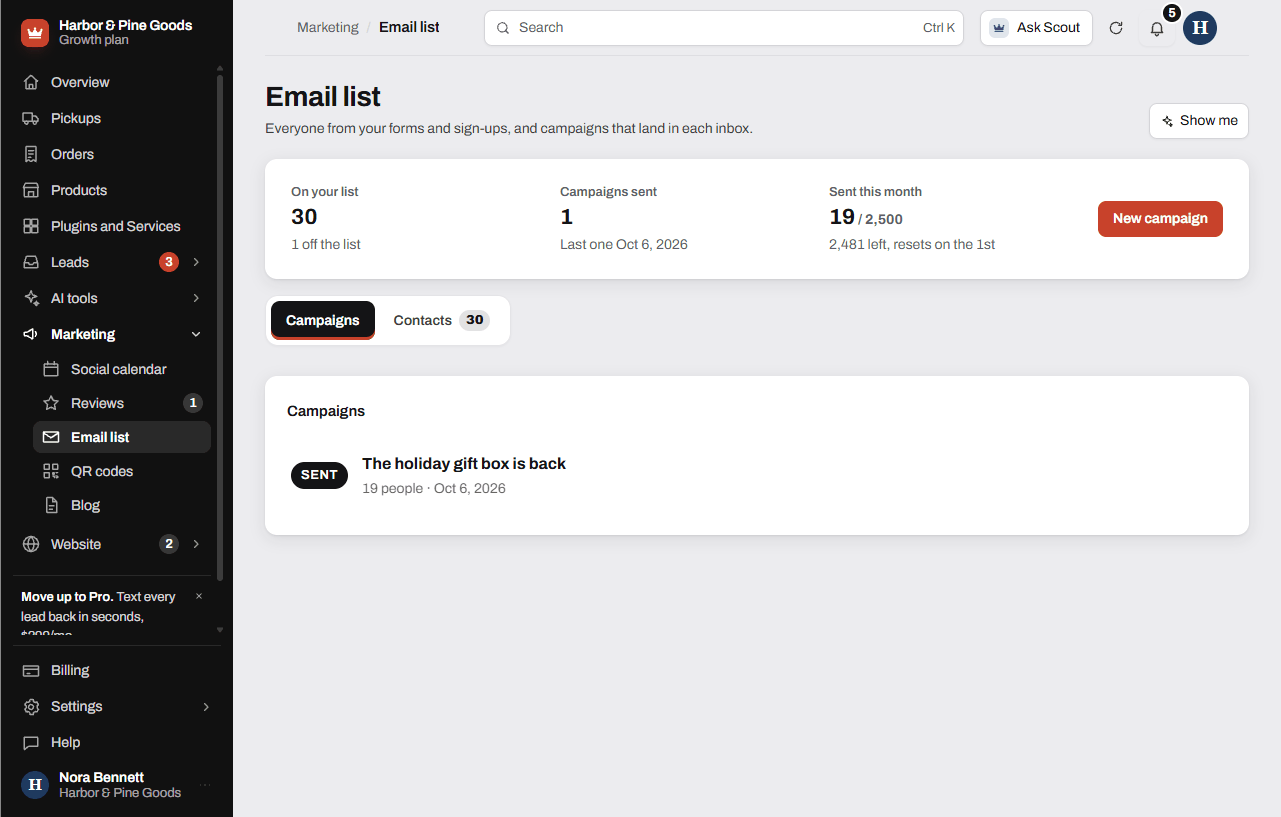 Your email list and campaignsWho is on your email list, how to add people, and how to write, test and send a campaign.
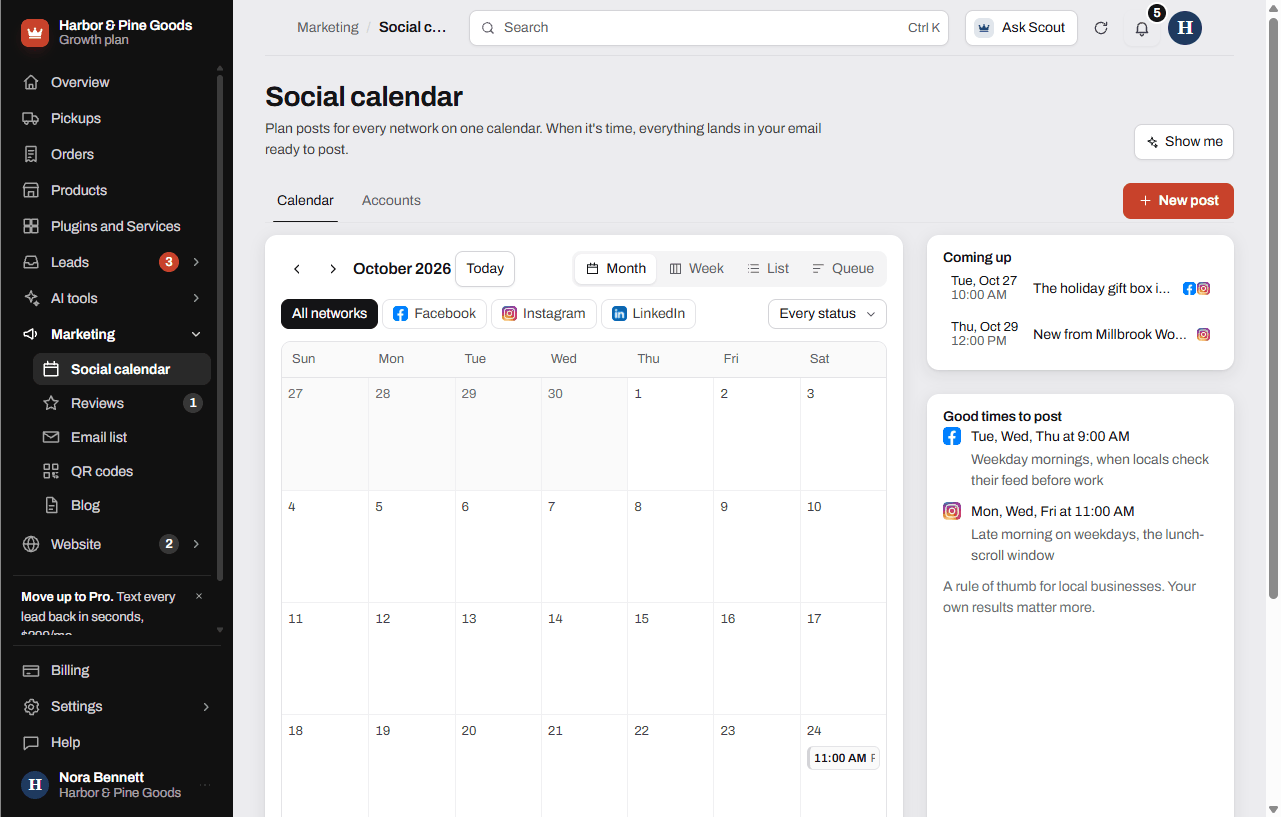 Social calendar and the post generatorHow to plan posts for Facebook, Instagram, Google, LinkedIn and TikTok on one calendar, write captions from a photo, and post them when it's time.
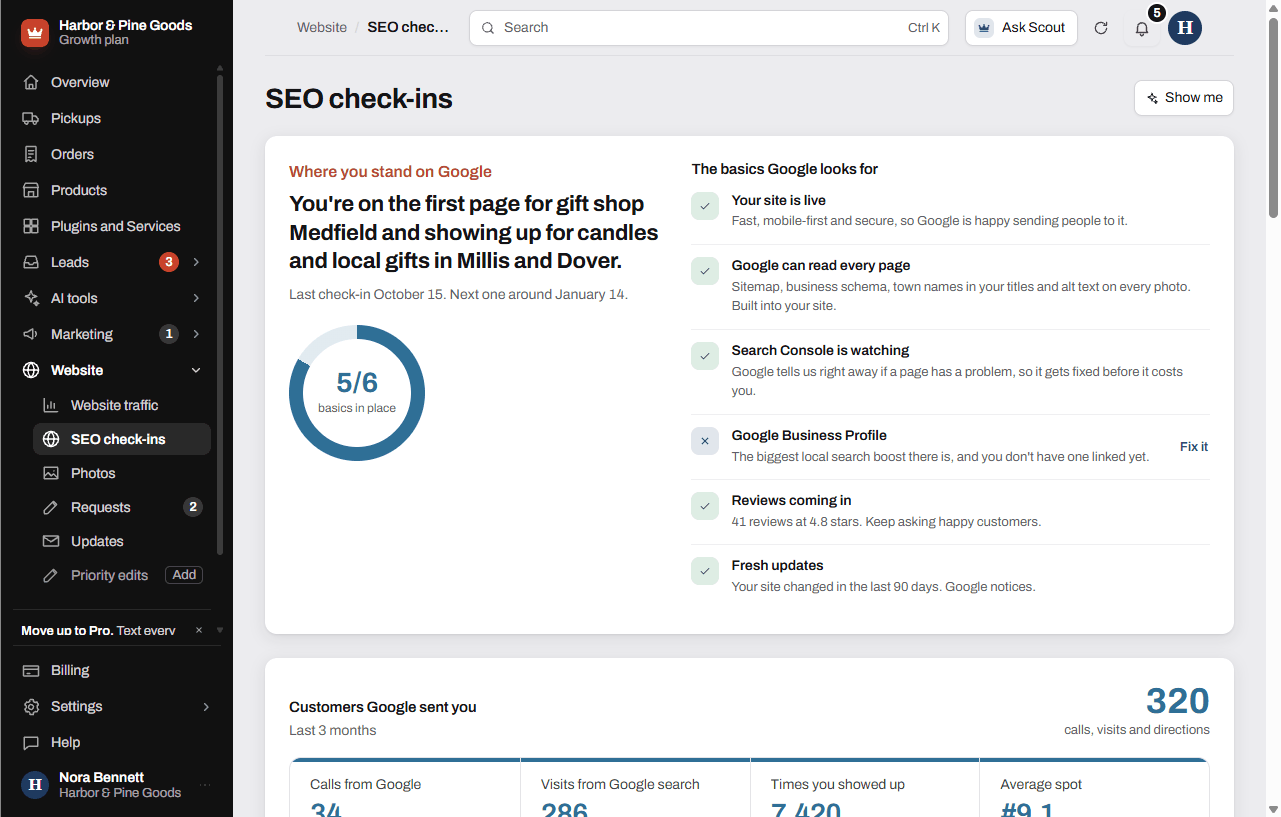 Your monthly SEO check-insWhat the SEO check-ins page shows, where the numbers come from, and what you can do to move up on Google.
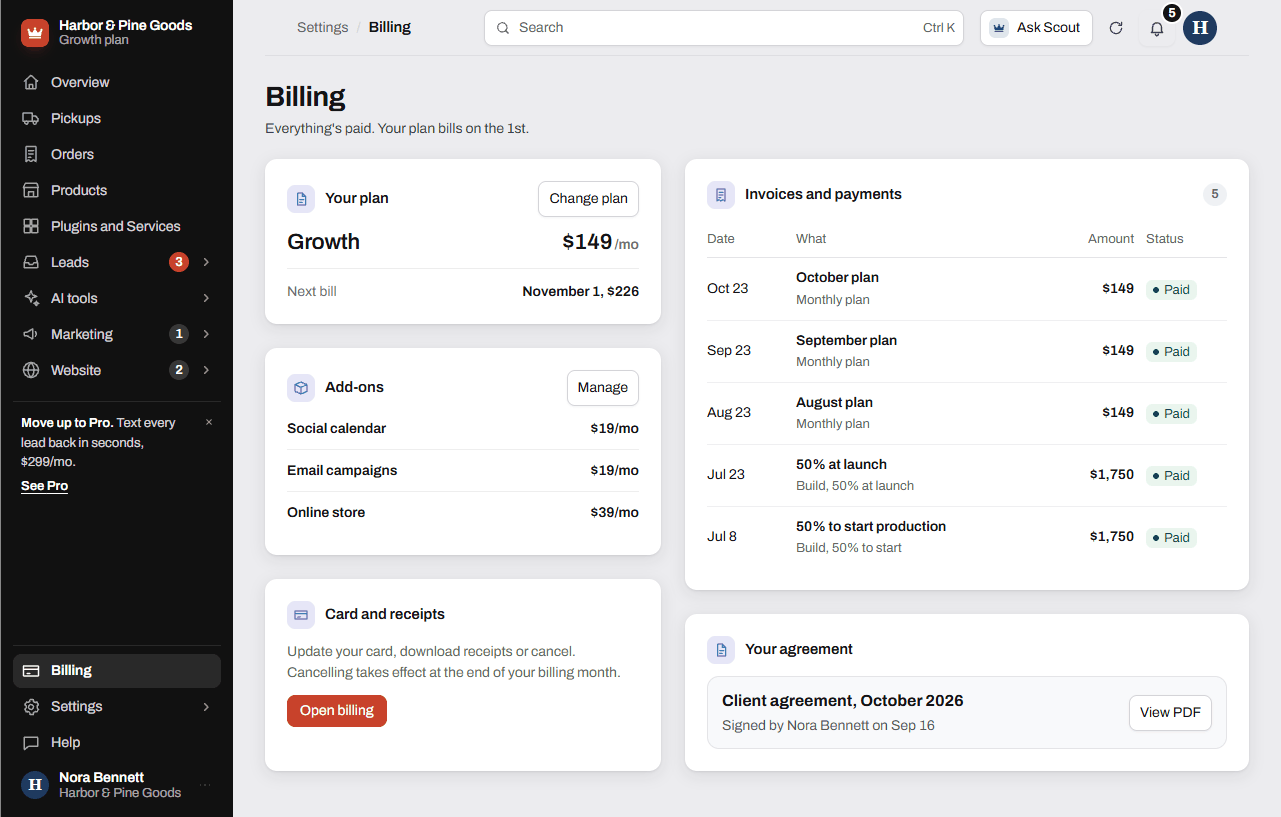 Billing, your plan and add-onsHow billing works on the 1st, where to see invoices, update your card, change your plan and add or remove plugins.
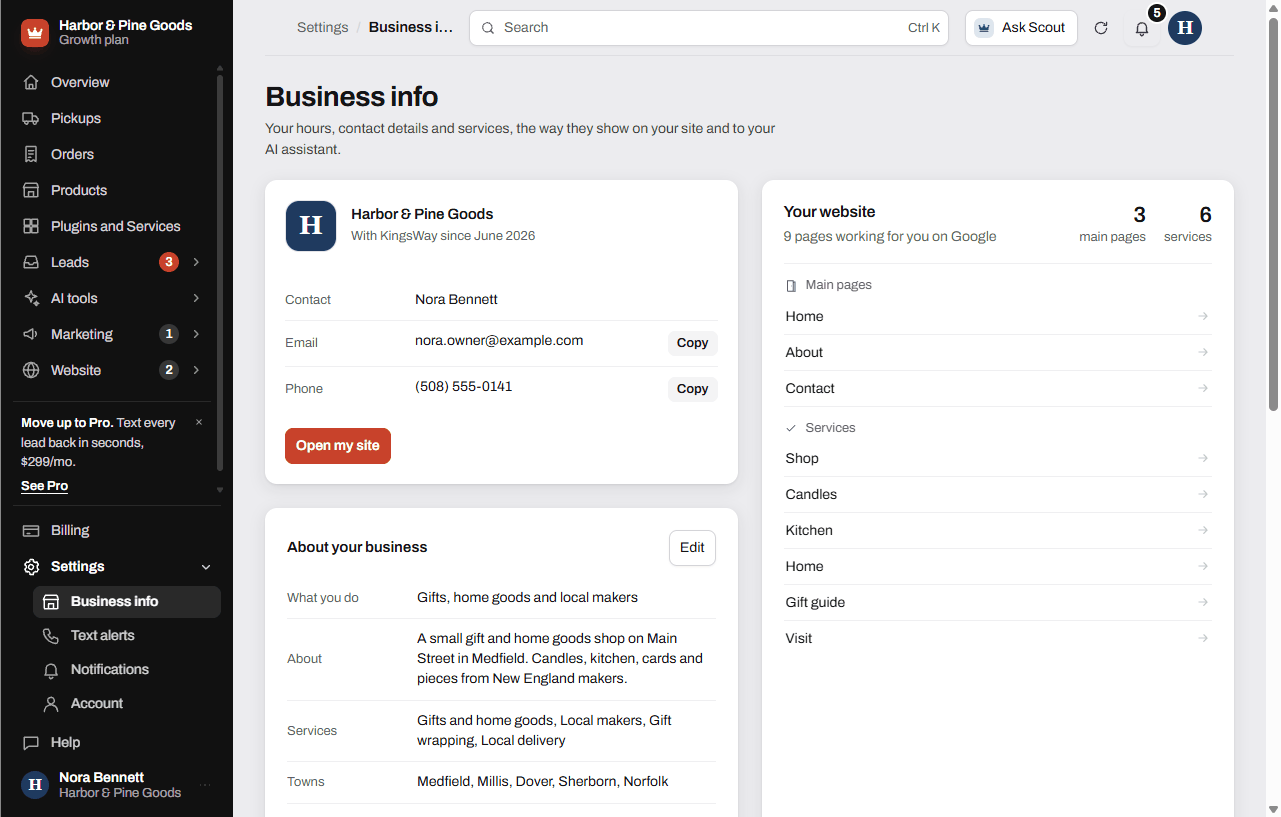 Who can sign inWho can sign in to your dashboard, how the sign-in emails work, and what to do when a second person needs access.
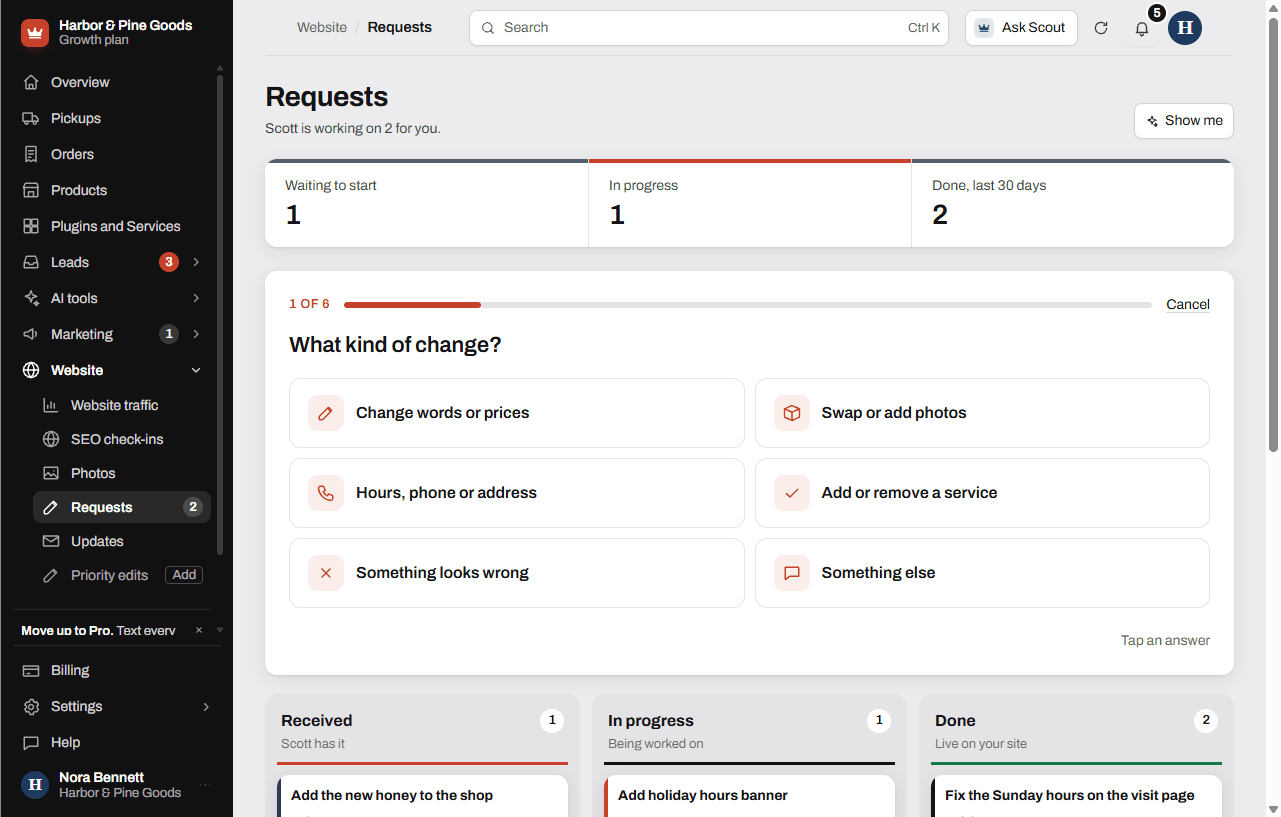 Getting help from ScottHow to send Scott a change request, text him, ask Scout about your dashboard, and find answers in this help center.
Plugins
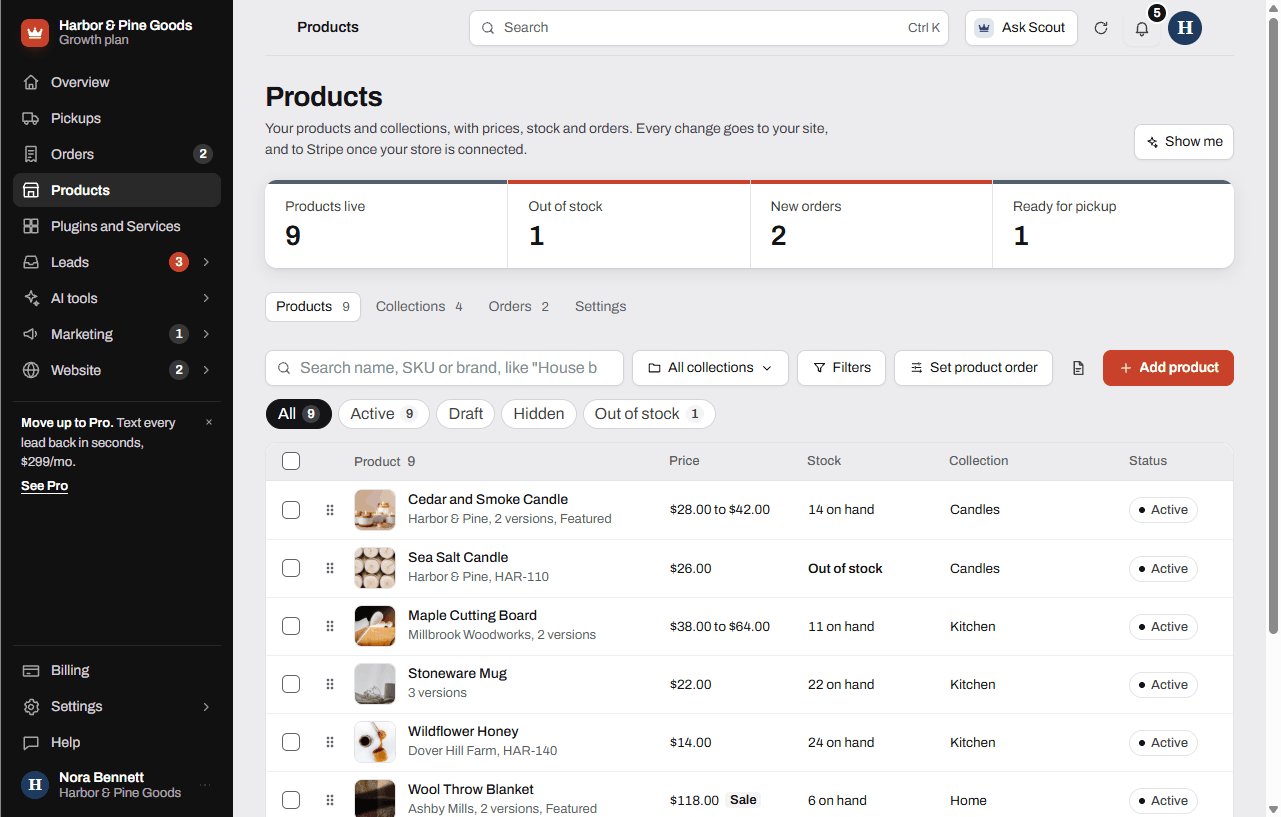 Add and edit productsHow to add a product to your online store, with options, prices, stock, photos, collections, bulk edits, spreadsheet import and Google settings.
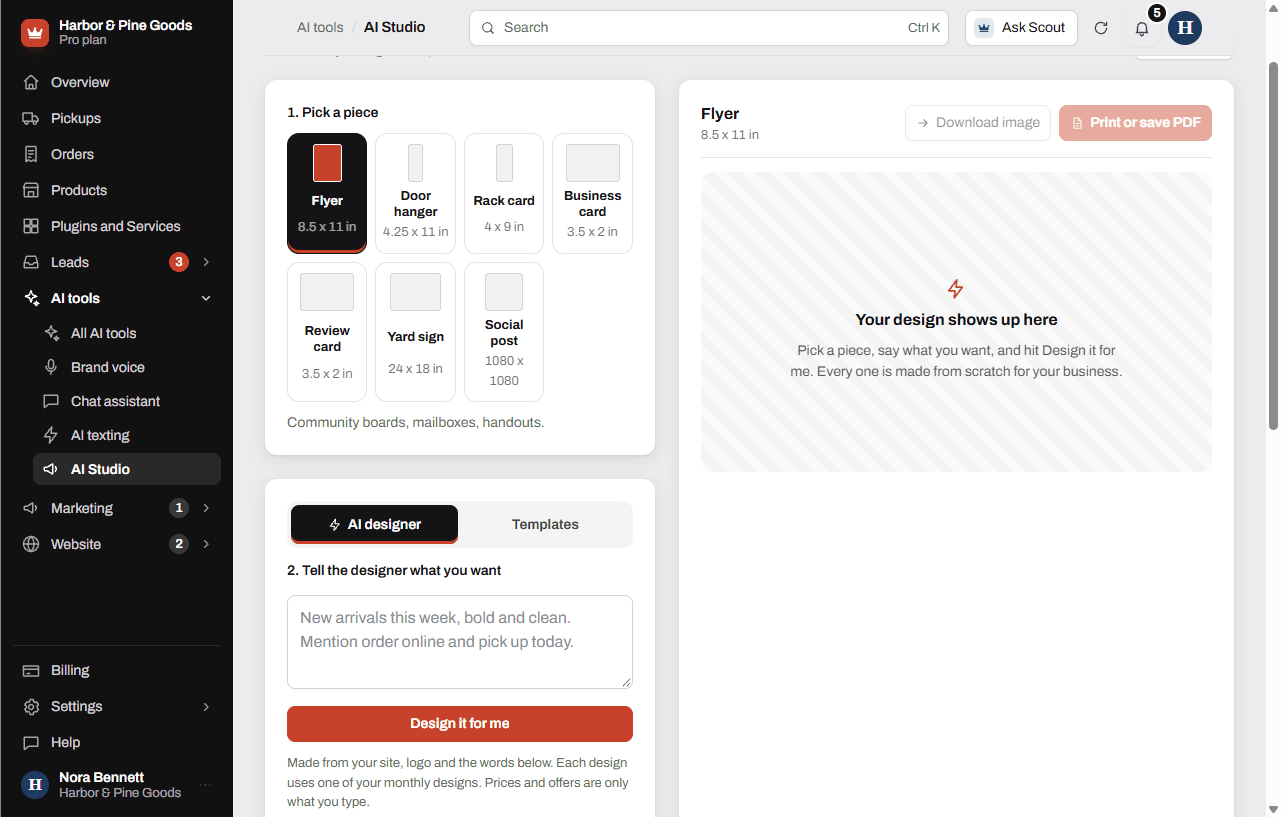 Make flyers, cards and signs with AI StudioHow to make print and social designs in AI Studio, what each piece is, how many designs you get and what it costs.
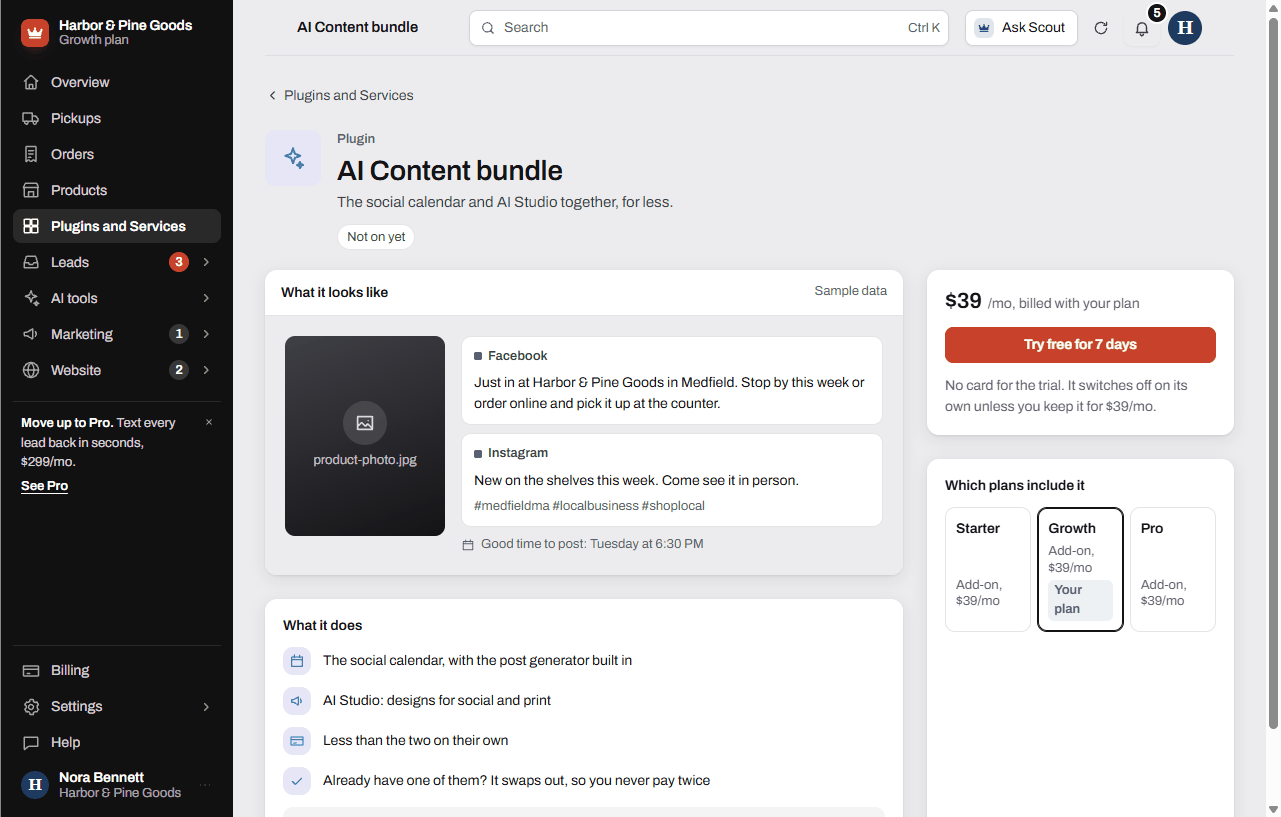 The AI Content bundleWhat the AI Content bundle includes, what it costs compared to buying each piece, and how it swaps out a plugin you already have.
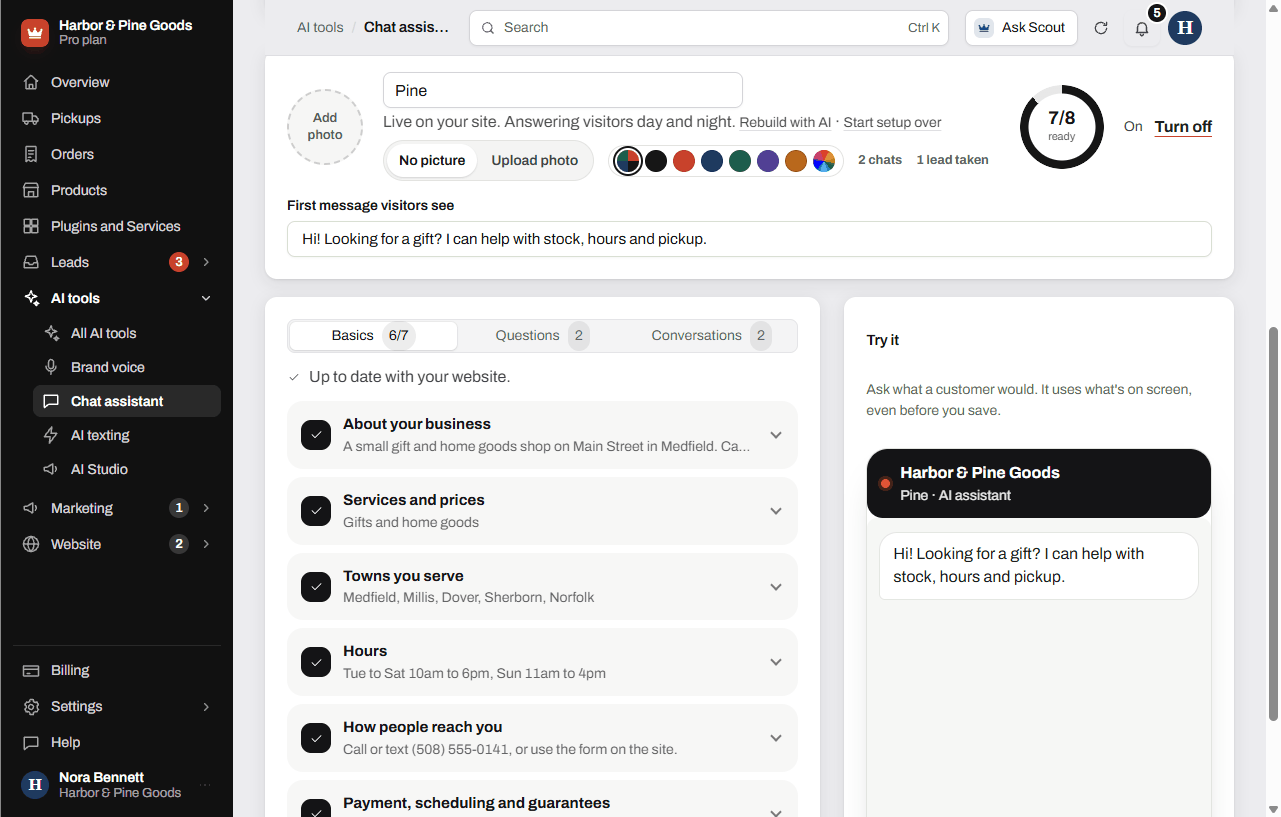 Set up the website chat assistantHow to set up, test and turn on the AI chat assistant on your website, what it knows, and how it hands you leads.
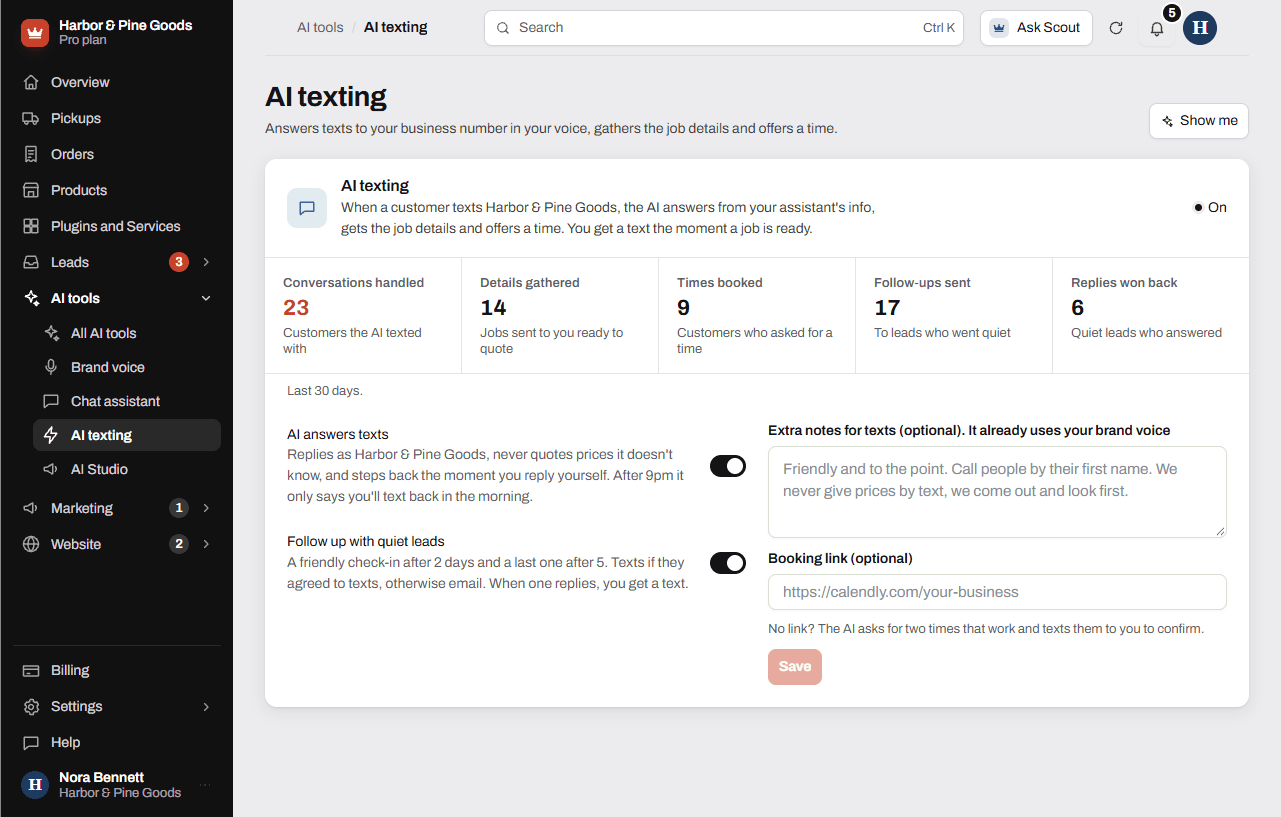 Let AI answer your textsHow AI texting answers customers who text your business number, follows up with quiet leads, and what it will and won't say.
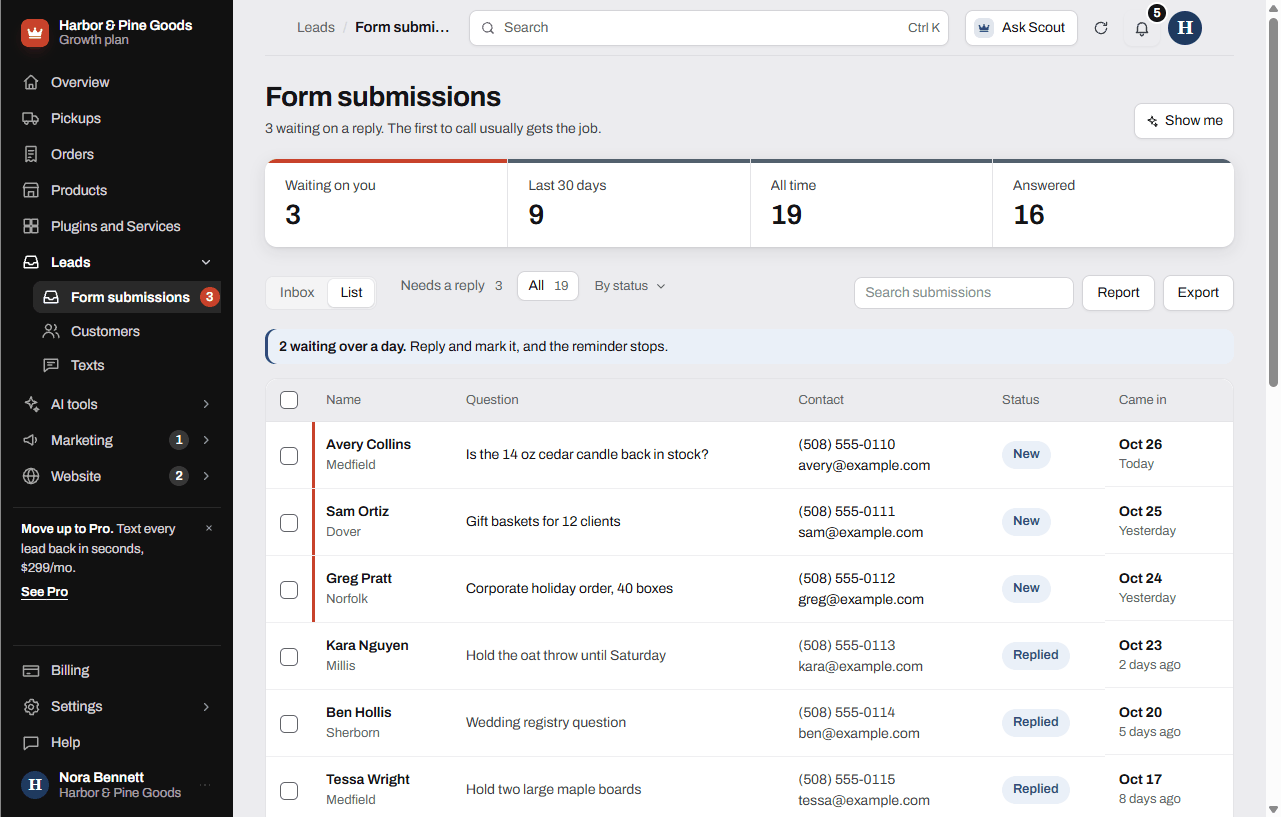 Lead reminders and reportsHow lead reminders nudge you before a lead goes cold, how to stop a reminder, and what the lead report and monthly email show.
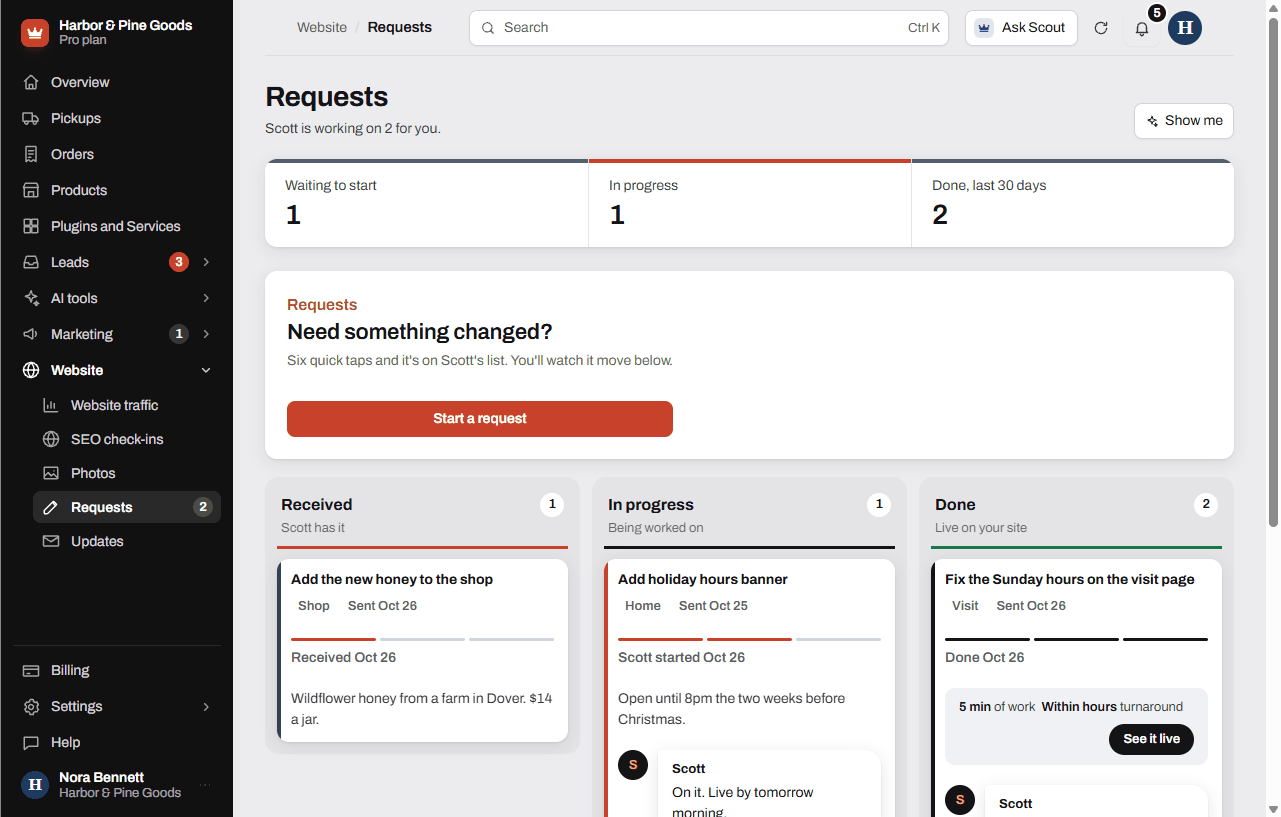 Priority editsHow to send Scott a change, how priority edits on Pro jump the line, how much edit time each plan includes and what counts as an edit.
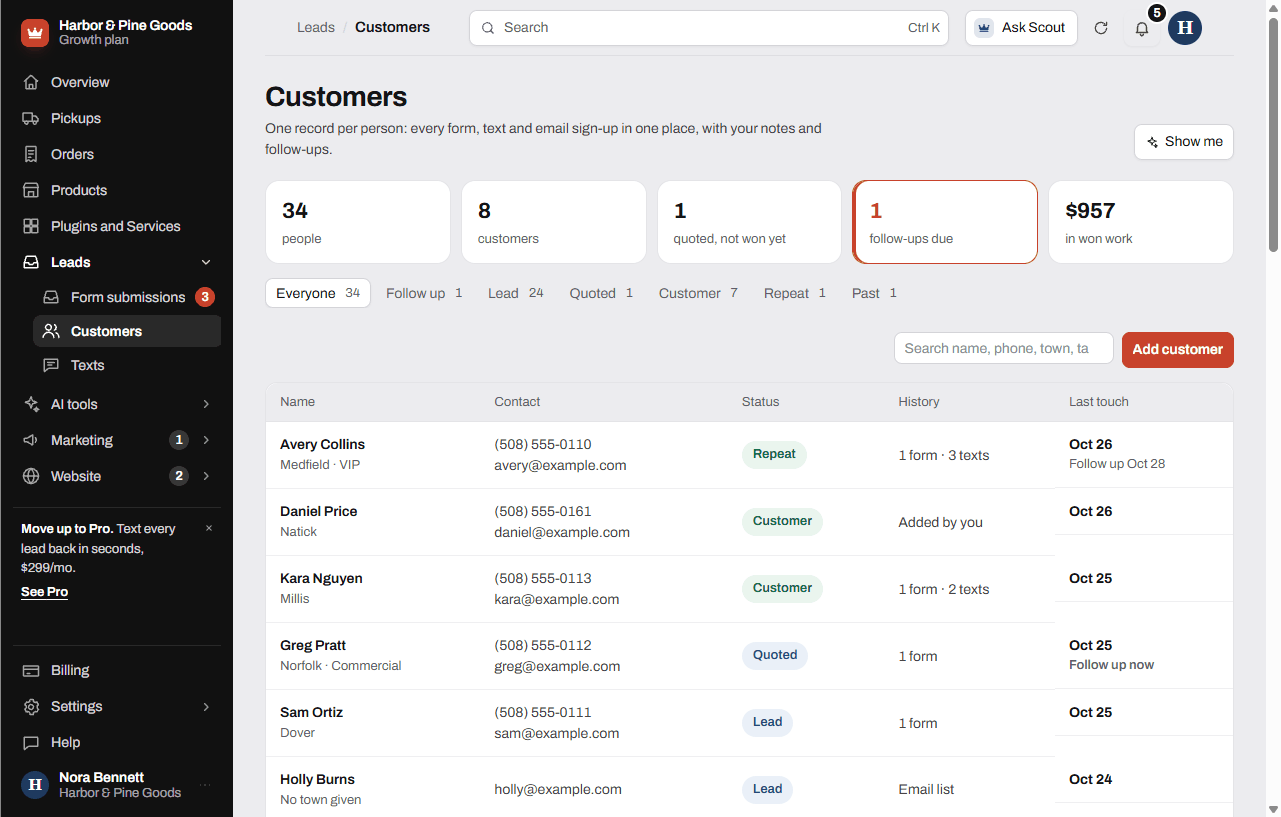 Keep track of customersHow the Customers page builds one record per person from your forms, texts and email list, and how to add notes, follow-ups and tags.
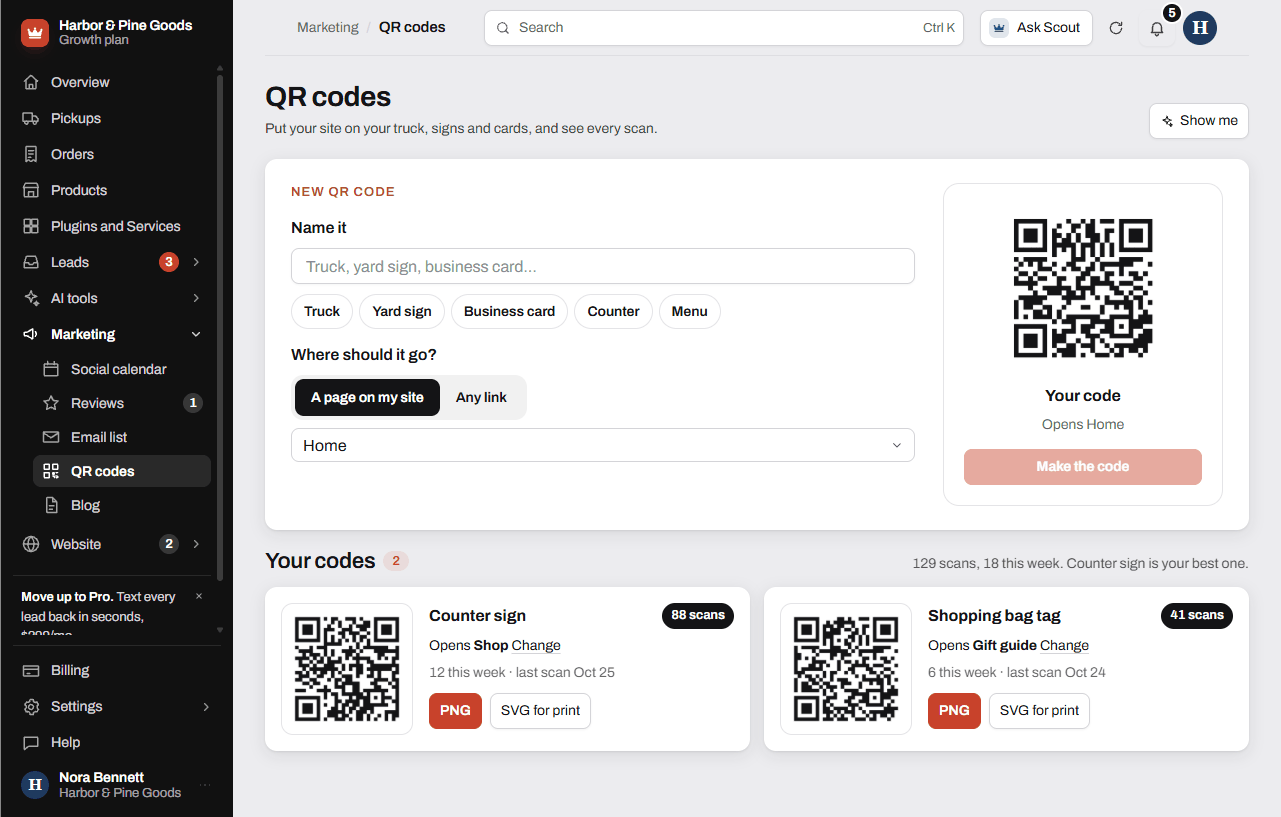 Make tracked QR codesHow to make a tracked QR code for your truck, counter or signs, change where it goes, download it for print and see its scans.
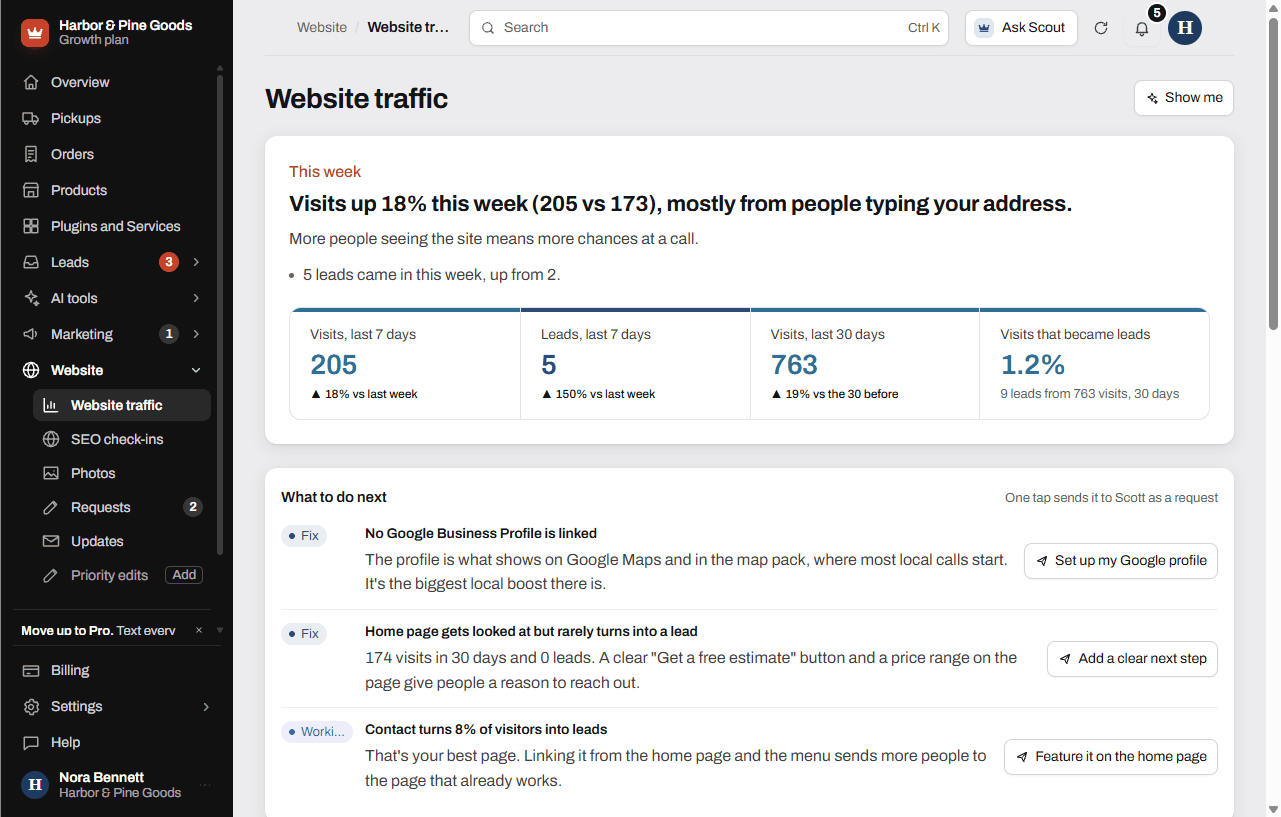 Read your website trafficWhat the Website traffic page shows, where the numbers come from, and how to act on what it finds.
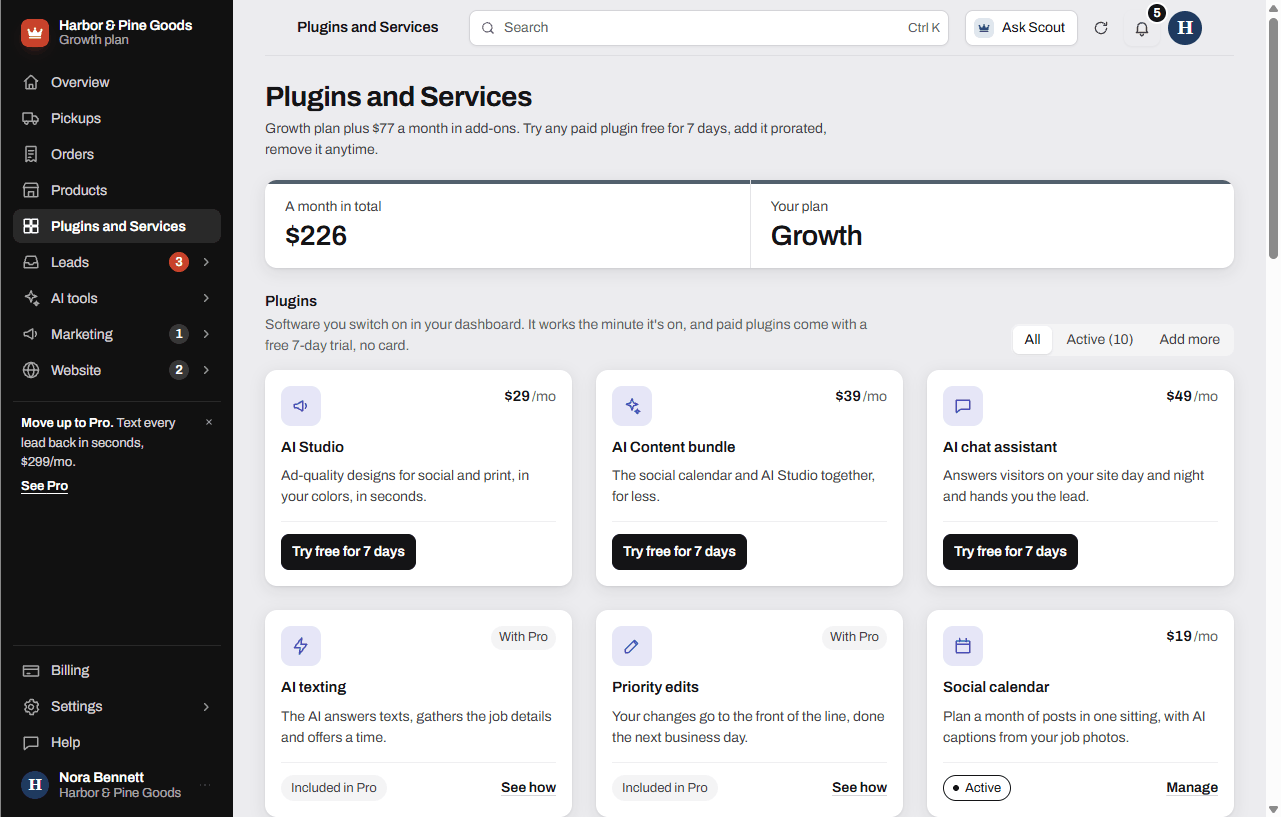 How Plugins and Services worksHow to try a plugin free for 7 days, add or remove one, what Included means, and how to order work Scott does for you.
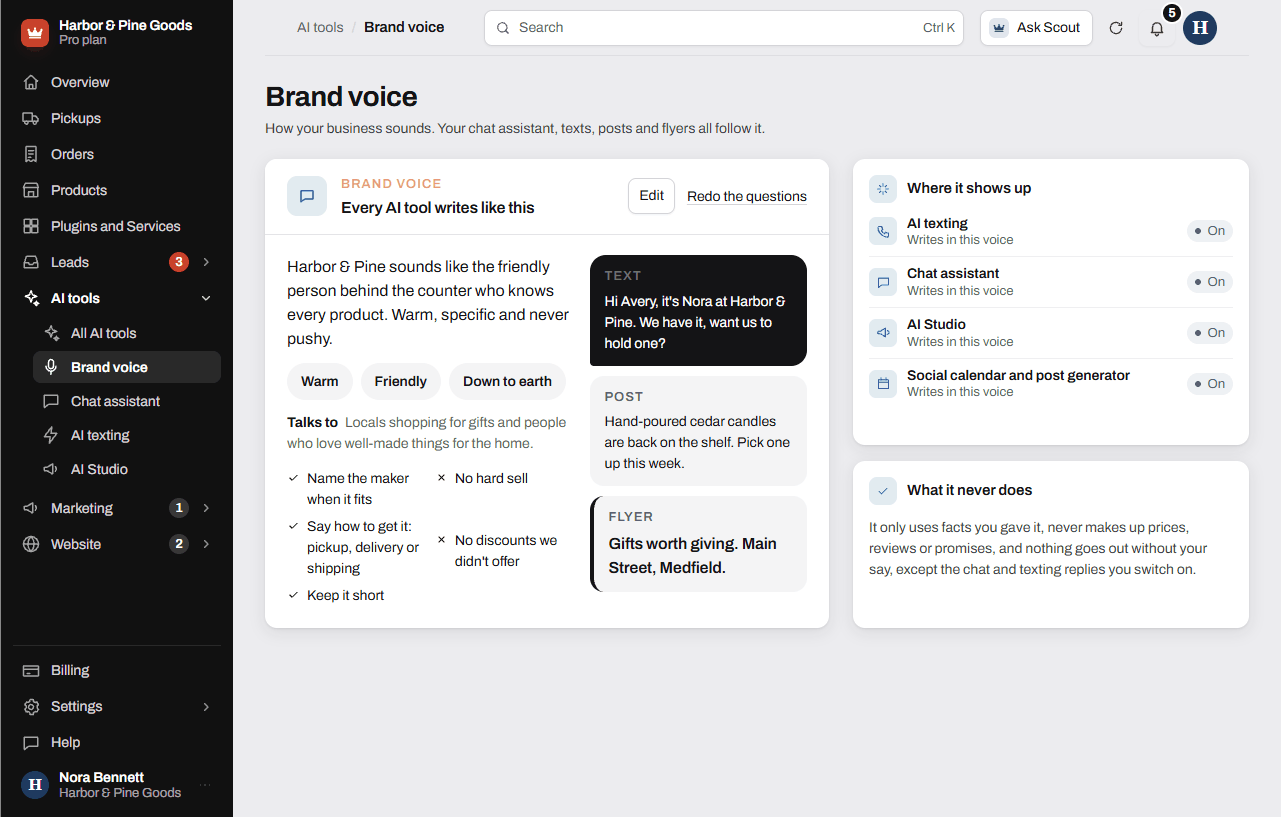 Set up your brand voiceHow to set up the brand voice every AI tool follows, how to edit it, and which tools use it.
Still stuck?
Ask Scout at the top of your dashboard, send a request from Requests, or text Scott at 781-217-3165.