Your dashboard
Signing in to your dashboard
How to sign in with your email and password, get in the first time, reset a forgotten password and sign out.
Updated
Your dashboard lives at kingswaysites.com/portal. You sign in with the email on your account and a password. The first time, and any time you forget your password, an emailed link gets you in.
Sign in
- Go to kingswaysites.com/portal. The Dashboard link on your own website takes you to the same place.
- Type your email and your password. Tap Show if you want to check what you typed.
- Tap Sign in.
Get in the first time
- On the sign-in page, under the button, tap Set up your password next to "First time here?"
- Type the email you gave Scott and tap Email me a setup link.
- Open the email called "Confirm your email and set your password" and tap Confirm and set my password.
- The link opens your dashboard signed in. It works once and runs out after an hour, so open it on the device you want to use.
If you forget your password
- On the sign-in page, tap Forgot your password?
- Type your email and tap Email me a reset link.
- Open the email and tap Set my new password. It opens your dashboard signed in.
Sign out
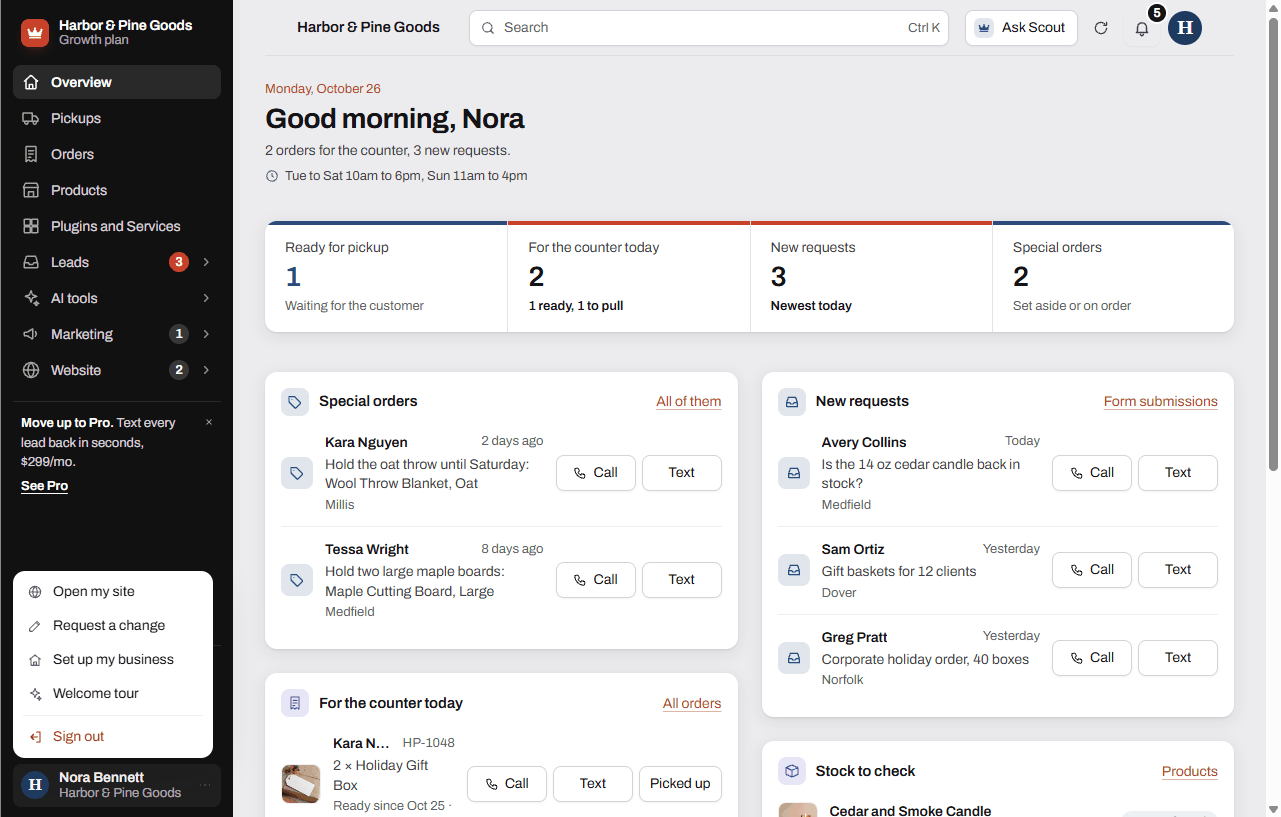
- Tap your name at the bottom of the sidebar, or the account button at the top right.
- Tap Sign out.
Questions
What address do I go to?
kingswaysites.com/portal. The Dashboard link on your own site sends you there too, so either works. Bookmark it on the counter computer.
Scott set up my account. I never picked a password. How do I get in?
Tap Set up your password under "First time here?" and enter the email Scott has for you. You get a link that confirms your email and opens your dashboard.
The email with the link never showed up. What do I check?
Look in spam or promotions first. The link only goes to the email on your account, so use that exact address. You can ask for up to 4 links an hour. Past that the page says to wait a few minutes.
It says "That email and password don't match." What now?
Check the email for a typo, then use Forgot your password? to get a link. If you never set a password, use Set up your password instead.
It says "We couldn't find your account." Why?
You signed in with an email that isn't on a KingsWay account. Sign out, then try the email you gave Scott. If that doesn't work, text Scott and he'll get you set up.
Can I stay signed in on the computer behind the counter?
Yes. The dashboard stays signed in on that browser until you tap Sign out. If other people use that computer, sign out at the end of the day.
Can I use it on my phone?
Yes. Sign in once in your phone's browser. You can add the dashboard to your home screen and it opens like an app, signed in.
Why did I get an email that says "New sign-in to your KingsWay dashboard"?
You get one the first time a new phone, computer or browser signs in to your account. If it was you, there's nothing to do. If it wasn't, reply to that email or text Scott right away.
Can my manager sign in with their own email?
Not today. Each business has one sign-in email. See Who can sign in for what to do about a second person.
I'm on Hosting only and I don't see a dashboard. Is something broken?
No. Hosting only keeps your site online and emails you every form, with no dashboard. Starter adds the dashboard for $89 a month, and the Hosting only screen has a Move up to Starter button.